
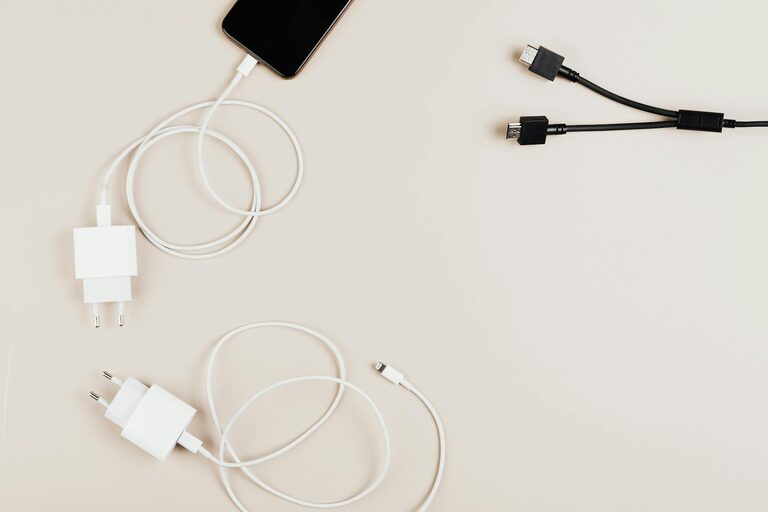
Keeping cables and chargers organized can greatly reduce clutter and frustration in your home or workspace. Whether it’s the jumble of phone chargers, laptop cords, or headphones, tangled cables can create unnecessary stress and even damage your devices over time. In this post, we’ll explore practical and simple ways to organize your cables and chargers neatly.
Why Organizing Cables Matters
Organizing your cables isn’t just about aesthetics; it improves functionality and safety. Properly stored cables are less likely to tangle, fray, or become damaged. It also helps you quickly find the charger or cable you need, saving precious time and keeping your rooms looking clean.
—
Step 1: Declutter and Sort
Before organizing, start with these preparatory steps:
Gather All Your Cables and Chargers
Collect every charger, USB cable, power cord, and adapter from around your home or office. Bringing everything together gives you a clear view of what you have.
Sort By Type and Usage
Group cables based on their purpose. For example:
– Phone chargers
– Laptop and tablet chargers
– Audio cables and headphones
– TV, gaming, or other electronics
Dispose or Donate Extras
If you find cables that are broken or no longer needed, recycle them properly or donate if they’re still usable.
—
Step 2: Choose the Right Storage Solutions
There are many practical options available to help keep cables neat and accessible. Here are some popular choices:
Cable Organizers and Clips
Cable clips can hold cables in place on your desk or wall. They prevent cords from slipping off surfaces and tangling.
Cable Ties and Velcro Straps
Reusable cable ties or Velcro straps bundle cables neatly, reducing mess and tangle risks. These are especially useful for long cables.
Drawer Dividers and Boxes
Use small boxes or drawer dividers to separate cables by type. Label each section for easy retrieval.
Cord Management Sleeves
These fabric sleeves bundle multiple cables together for a clean look, especially useful behind desks or entertainment centers.
Cable Management Boxes
These boxes hide power strips and excess cabling, reducing visible clutter while improving safety.
—
Step 3: Label Your Cables
Labeling cables can save time and confusion. Use small tags or masking tape to write the device name or purpose. For instance:
– “Phone charger”
– “Printer USB”
– “Bluetooth speaker”
Clear labels help everyone in your household or office know which cable belongs to which device.
—
Step 4: Implement Proper Storage Techniques
Keep these tips in mind during and after organizing:
Wrap Cables Loosely
Avoid tight loops that can damage cords. Use the natural curve of the cable and secure it gently with a Velcro strap or twist tie.
Use Wall-Mounted Holders or Hooks
If floor or desk space is limited, try wall-mounted cable organizers. They keep cables visible but out of the way.
Store Chargers Separately from Cables
Many chargers have bulky adapters and cords. Consider storing chargers in a different compartment or box to avoid tangling.
Keep Frequently Used Cables Accessible
Cables you use daily should be easy to grab without unpacking everything.
—
Step 5: Maintain Your System Regularly
Organization is most effective when maintained. Schedule a quick monthly check to:
– Remove cables you no longer use
– Re-label worn tags
– Adjust storage based on new devices
—
Bonus Tips for Specific Areas
Desk Setup
– Use cable clips along the edge of your desk for quick access.
– A cable management tray mounted underneath the desk keeps cords off the floor.
Travel
– Invest in a compact travel organizer with individual compartments to keep cables and chargers untangled in your bag.
Entertainment Center
– Use cable sleeves and cord management boxes to keep the many cables behind your TV tidy and concealed.
—
Final Thoughts
Neatly organizing your cables and chargers doesn’t have to be complicated or expensive. With a little time and a few simple tools, you can declutter your space, protect your electronics, and enjoy a cleaner, more efficient environment. Try these steps, and you’ll wonder why you didn’t organize your cables sooner!
—
Organize your cables today and create a clutter-free zone that looks great and works seamlessly. Happy organizing!